 პროექტის განხილვა
A website in Georgian, English and Russian: how to build and promote it
How to set up a multilingual website in Georgia: choosing the main language, separate URLs and hreflang, Georgian translation, fonts and SEO for every version.
A multilingual website in Georgia usually needs two or three languages: Georgian for local customers, English for tourists and foreign businesses, and Russian for expats and visitors from neighbouring countries. Doing it right means giving each language its own URL, linking the versions together for search engines, and writing for the searches people actually type in their own language. Below is a step by step guide: what to decide before you start, how to set up the technical side, and how to promote each version.
We do website development in Batumi and across Georgia, and almost every project we ship runs in three languages, so this guide comes from practice.
Why a business needs a multilingual website in Georgia
A single business in Georgia often serves three audiences. A massage studio in Batumi sees locals, tourists staying for a week and expats who have lived here for years. Each of them searches in their own language: someone typing "massage Batumi" into Google will not land on a page that only exists in Georgian, and a local customer trusts a site faster when it speaks Georgian.
How many languages you need depends on who your customers are:
- Two languages for local services with few foreign clients, or a business that mostly serves visitors.
- Three languages for tourism, beauty and wellness, repairs, delivery and real estate in Batumi and Tbilisi.
- Four or more when you regularly get customers from one specific country, for example Turkish visitors in Batumi.
A simple rule: a language on your site is a promise that someone will reply in it. Two good languages beat four weak ones.
Which language should be the main one
The main language lives at the root URL, and its texts are written first. If most enquiries come from locals, pick Georgian. If most customers are foreigners, pick English. If your core audience speaks Russian, Russian works, with English next to it.
The main language gives no ranking advantage: Google indexes every version equally as long as they are linked correctly. What matters is that each version is complete. A homepage in three languages with services and prices in only one looks abandoned.
Separate URLs for every language
The most common mistake: the language switches with a button, but the URL stays the same. The crawler sees one address and indexes one version, usually the default.
The right setup gives every version its own address:
- site.ge/ka/ for Georgian,
- site.ge/ru/ for Russian,
- site.ge/en/ for English (or the root, if English is the main language).
Subfolders are the most practical option for small and mid-sized businesses: one domain, one hosting plan, and the whole domain's reputation works for every language. Subdomains or a separate domain per country are rarely needed outside companies with separate markets.
Page slugs can be translated too: /en/services/back-massage/. Georgian slugs are often written in Latin letters, so a link pasted into a messenger stays readable instead of turning into a long string of percent signs.
hreflang and x-default in plain words
When a page exists in three versions, search engines need to know it is the same page in different languages. That is what the hreflang tag does. Each version of the page, or the sitemap, lists all of its language copies: here is the Georgian one, here is the Russian one, here is the English one.
As a result, a Russian-speaking tourist sees the Russian page in search results, and three pages with the same meaning are not treated as duplicates.
The x-default value tells search engines what to show when the visitor's language matches none of the versions, say a visitor from Germany. It usually points to the English version or a language selection page.
Three rules that often get broken:
- Links must be reciprocal. If the Russian page points to the English one, the English page must point back, or the pairing may be ignored.
- Every version lists itself as well.
- Language codes follow the standard: ka for Georgian (not ge, which is the country code), ru and en.
This is set up once and then works for every new page. In our admin panel the links are built automatically: fill in three languages, and the sitemap gets three linked URLs.
Translation: machine or native speaker
Machine and AI translation are good enough for a first English draft, as long as someone who knows the subject edits it. Georgian is harder: machine translation into Georgian is usually weaker, with awkward phrasing, wrong word endings and literal terms. A native speaker notices it in the first line.
What we recommend:
- English and Russian. Start with machine translation, then edit and adapt it for the reader.
- Georgian. Always have it proofread by a native speaker, ideally someone from your field who knows what customers call your services.
- Prices, addresses, hours, phone numbers. Check them in every language: this is where copy-paste errors hide.
And do not translate word for word. A tourist cares about how to get there and whether you take cards; a local customer cares about price, neighbourhood and reviews. The emphasis can shift slightly between languages, and that is fine.
Georgian fonts and layout
Many fonts do not include the Georgian alphabet. If yours does not, the browser falls back to a system font and the Georgian version looks foreign. So we pick a font with Georgian support from the start, or pair the main font with a similar Georgian one.
What else we check:
- Long words. Georgian words are often longer, so a button label that fits in English can wrap in Georgian. We test buttons, menus and headings in every language, especially on phones.
- Capital letters. Everyday Georgian script has no upper and lower case split, so all-caps labels look different and are not supported by every font.
- Speed. On the Serenity site, Georgian fonts load only on Georgian pages, so the other versions open faster.
Language switcher and auto-detection
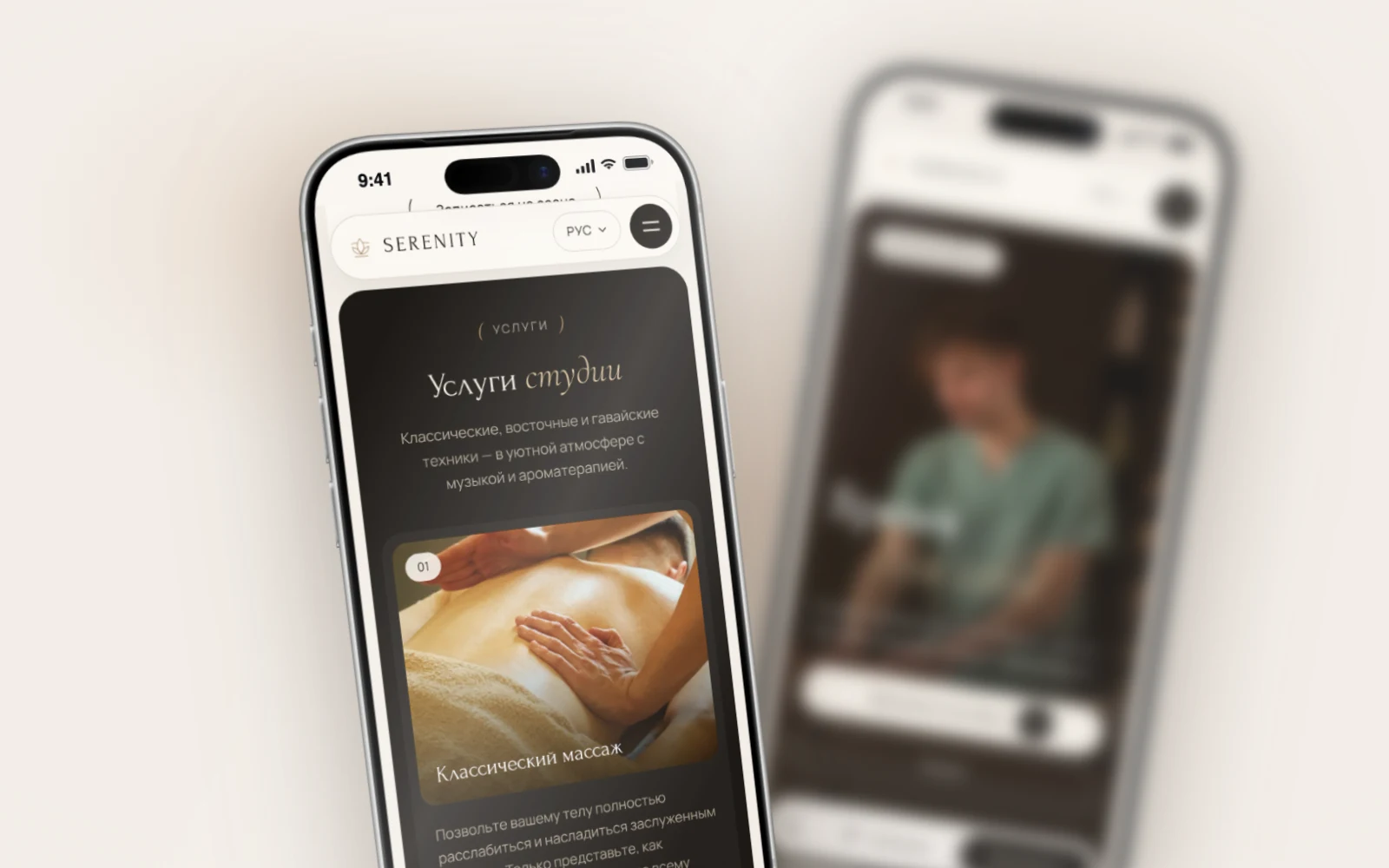
The switcher should be visible right away: in the header on desktop, in the header or menu on mobile. Label languages by their own names: ქართული, English, Русский. Flags confuse people: English is not only British, and Russian in Georgia is spoken by people from many countries.
A good switcher takes you to the same page in another language, not to the homepage. Someone reading about a service switches the language and stays on that service.
Auto-detection: handle with care
A site can read the device language and open the matching version straight away. Two risks: someone with an English-language phone may prefer Russian, so a manual choice must be remembered and never overridden; and crawlers should not be redirected. Google's own guidelines advise against automatic redirects by language, because the crawler may miss some versions.
On the Serenity site and on ours it works like this: on the first visit the language is picked from the device settings, the visitor's choice is remembered, and crawlers open each version at its own URL with no redirects.
SEO for each language: its own keywords, not a translation
Translated keywords rarely match real searches. An English-speaking tourist types "massage Batumi" or "spa Batumi", a Russian speaker uses Russian phrasing, and a local customer searches in Georgian, sometimes in Latin letters. Three sets of queries, each needing its own work.
What we do for every version:
- Research keywords in that language with search suggestions and keyword tools.
- Write a separate title and description for every page in every language.
- Translate everything. A page with an English heading and half the text in Russian ranks poorly in both.
- Keep your Google Maps profile in several languages and reply to reviews in the reviewer's language.
For Russian-speaking audiences, Yandex matters too, and it also reads hreflang, so one correct setup covers both search engines. More on this in our guide to SEO in Georgia.
Forms, notifications and replies in the customer's language
What happens after someone sends an enquiry matters just as much as page copy.
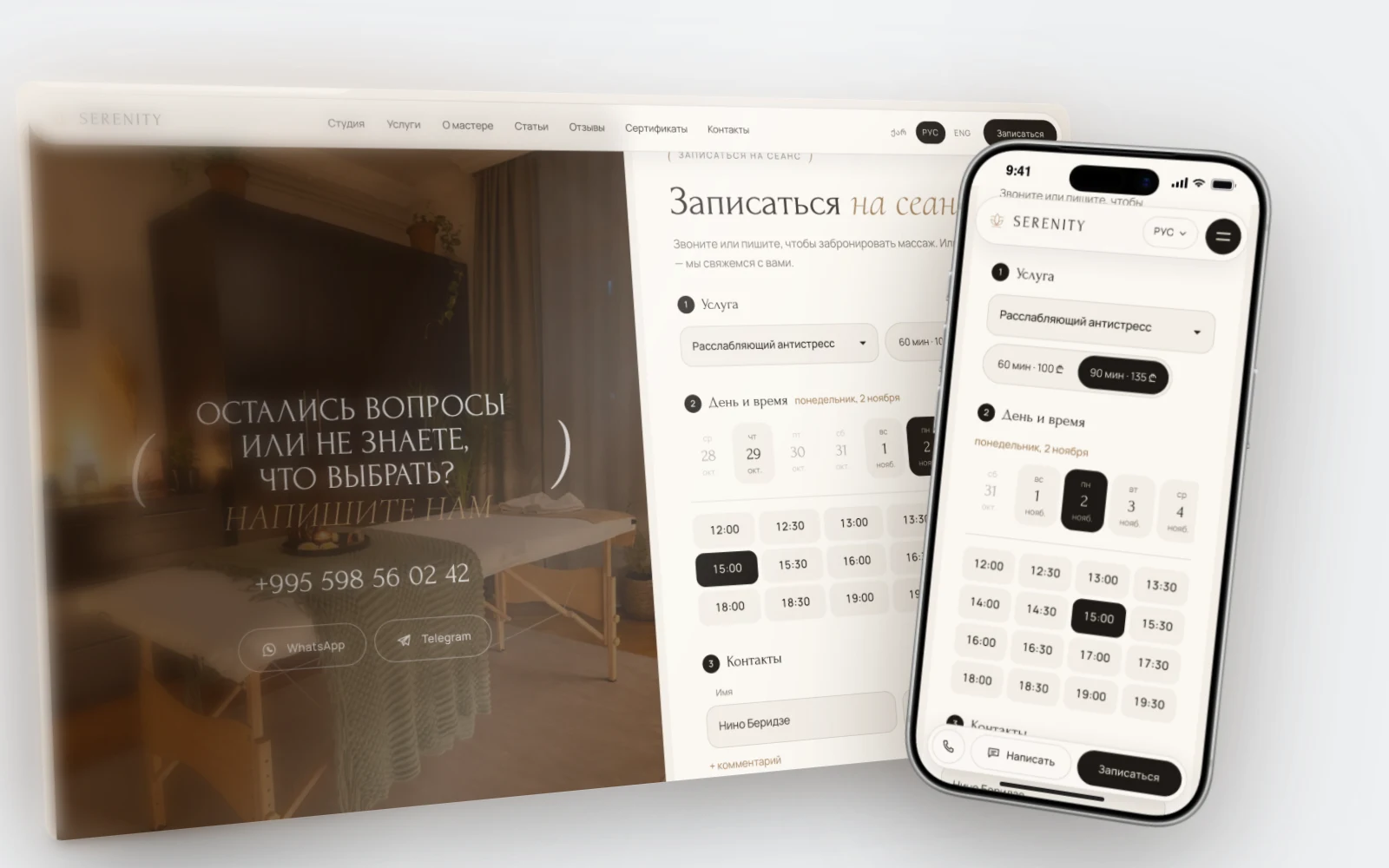
- Forms in the page language. Field labels, hints, error messages and the thank-you message should all be translated. An error in a foreign language at the moment of sending makes people leave.
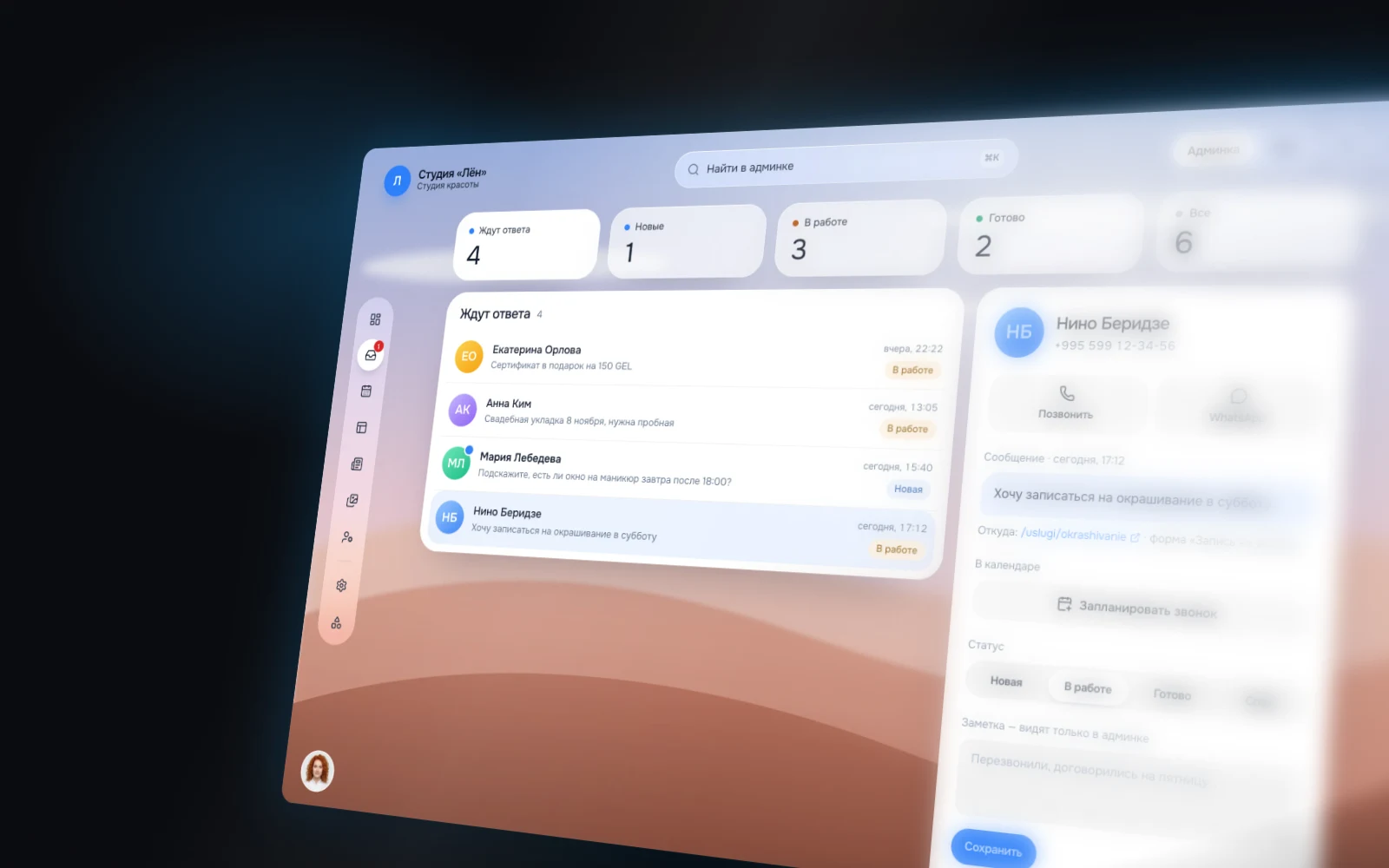
- Know where the enquiry came from. It helps when the administrator sees which language version the customer used and replies in that language.
- Confirmations, reminders and online booking use the customer's language, including service names, weekdays and time formats. See our article on a booking website for a salon.
Enquiries from every language version end up in one place: the admin panel, with a Telegram notification.
How it works on Serenity and on our own site
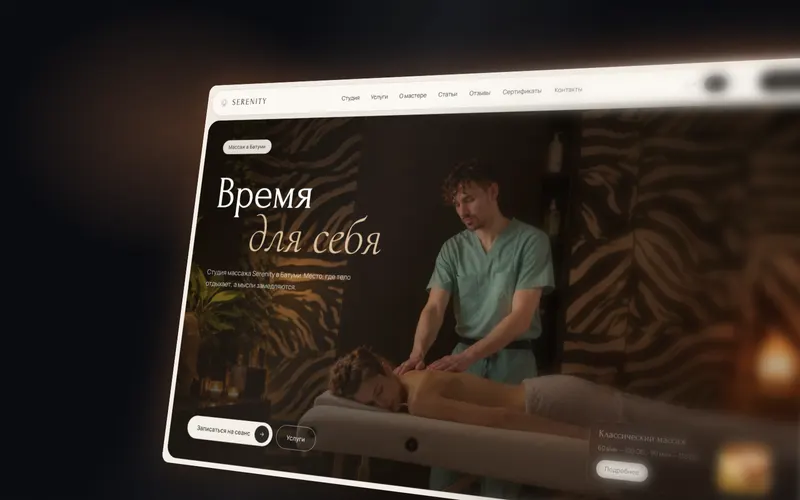
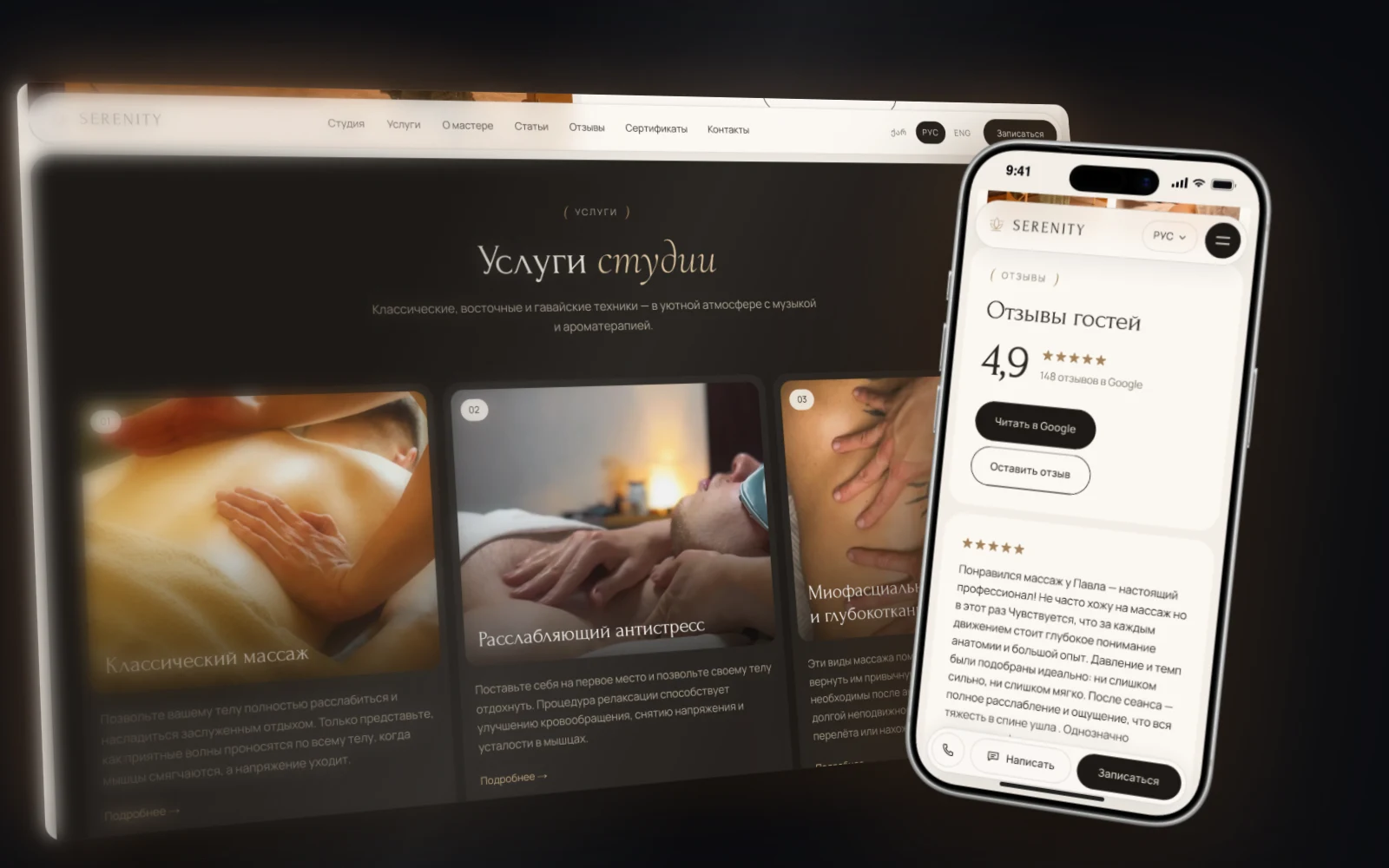
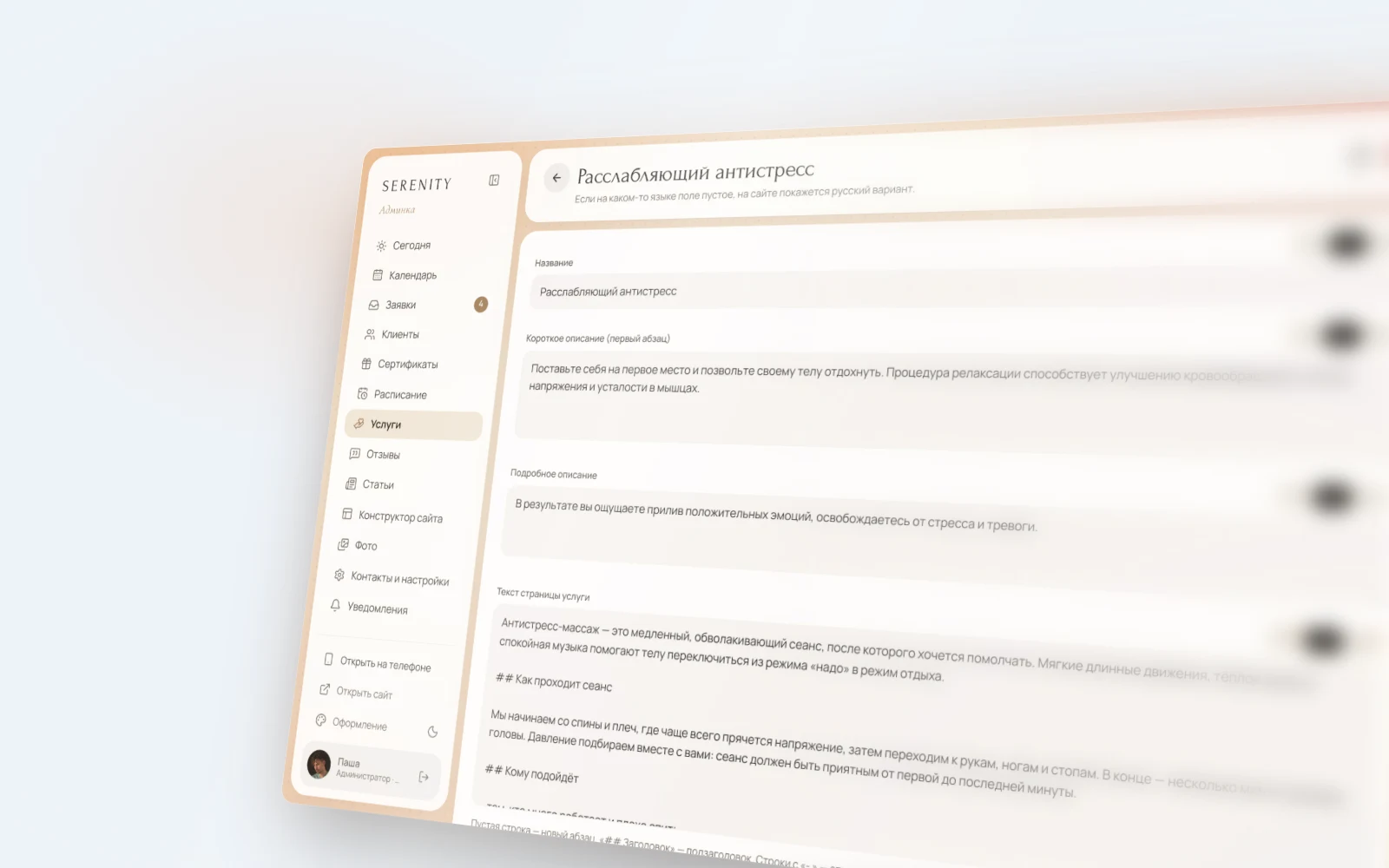
Serenity is a website for a massage studio in Batumi in Georgian, Russian and English, with 75 pages of services, articles, reviews and contacts. Online booking runs in the page language: service, day, time, contacts. Enquiries go to the admin panel and Telegram, and the owner replies to a client with one WhatsApp button.
The owner updates texts, prices and photos himself, even from his phone. Services and articles have fields for each language, so a new price or description goes live in every version without a developer. Read the Serenity case study.
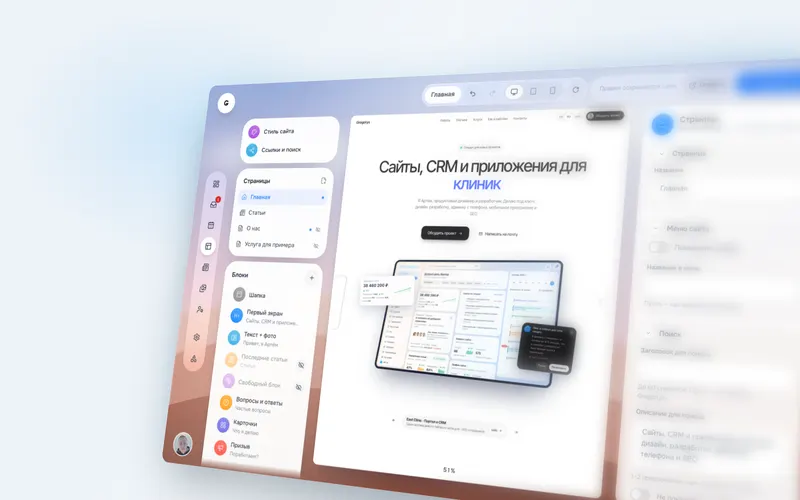
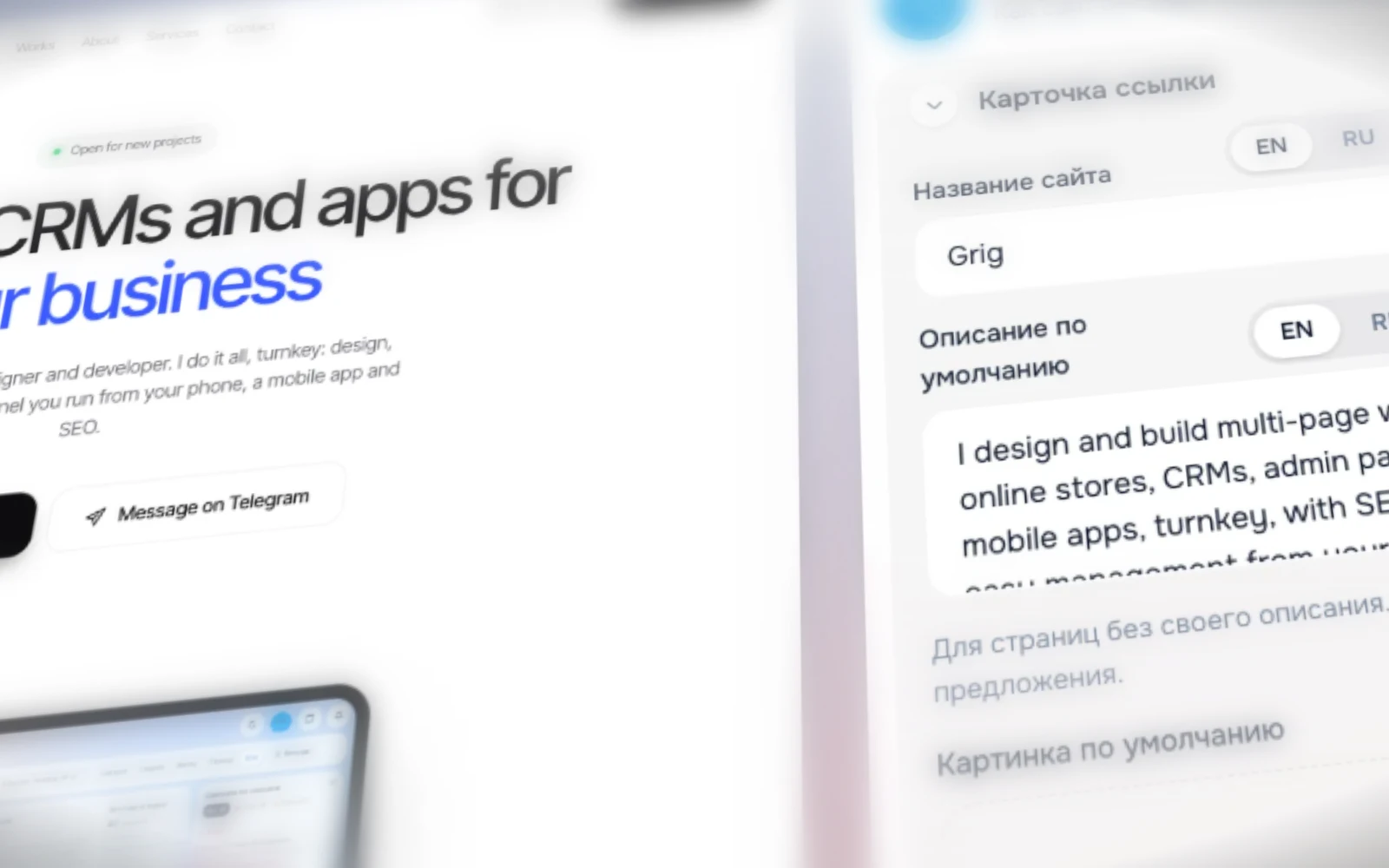
Our own site, grig-studio.ge, also runs in three languages: English at the root, Russian at /ru/ and Georgian at /ka/. The versions are linked with hreflang in the sitemap, and every page and article has its own search title and description in each language. We manage it with the same custom admin panel we build for clients: no monthly fee, and the site and admin belong to the owner.
When a site is built for several languages from the start, the second and third languages cost far less than retrofitting a finished site. How languages affect the budget is covered in our article on website cost in Georgia, and if you are choosing between a website builder and a custom solution, see Tilda, Wix or a custom admin panel.
FAQ
Can I launch one language first and add the others later?
Yes, if the site is built for several languages from the start: the missing versions simply stay hidden from search until they are filled in. Retrofitting a single-language site is harder.
Do I need a separate domain for each language?
Usually not. One domain with /ka/, /ru/ and /en/ folders is enough for most businesses in Georgia. Separate domains make sense when you have different legal entities or different markets in different countries.
Will an automatic translation widget do?
Not for search. Most of these widgets translate the text in the browser and do not create separate URLs, so search engines never see the translated versions. For SEO you need real pages in each language.
How much does it cost to add another language?
It depends on the amount of text and who translates it. On a site built as multilingual, a new language is mostly translation, proofreading and SEO copy, not development. We give an estimate once we have seen the site.
How do I know which language brings enquiries?
Compare traffic for the /ka/, /ru/ and /en/ folders in analytics, and let the enquiry form record the page it was sent from. After a couple of months you will see which version needs more attention.
Let's talk about your multilingual website
Tell us who your customers are and which languages they write to you in today. We will suggest which languages to launch with, how to set up the URLs and what to do about translation, and we will name the timeline up front. See everything else we do on our services page. We reply within one business day on Telegram, WhatsApp or through the form below.